Linux Mint 27 brings Wayland to Cinnamon without retiring X11
The Adrien beta gives Cinnamon 6.8 a supported Wayland session. Its new lock screen works in both sessions, and Mint 22.3 users can wait for the stable upgrade.
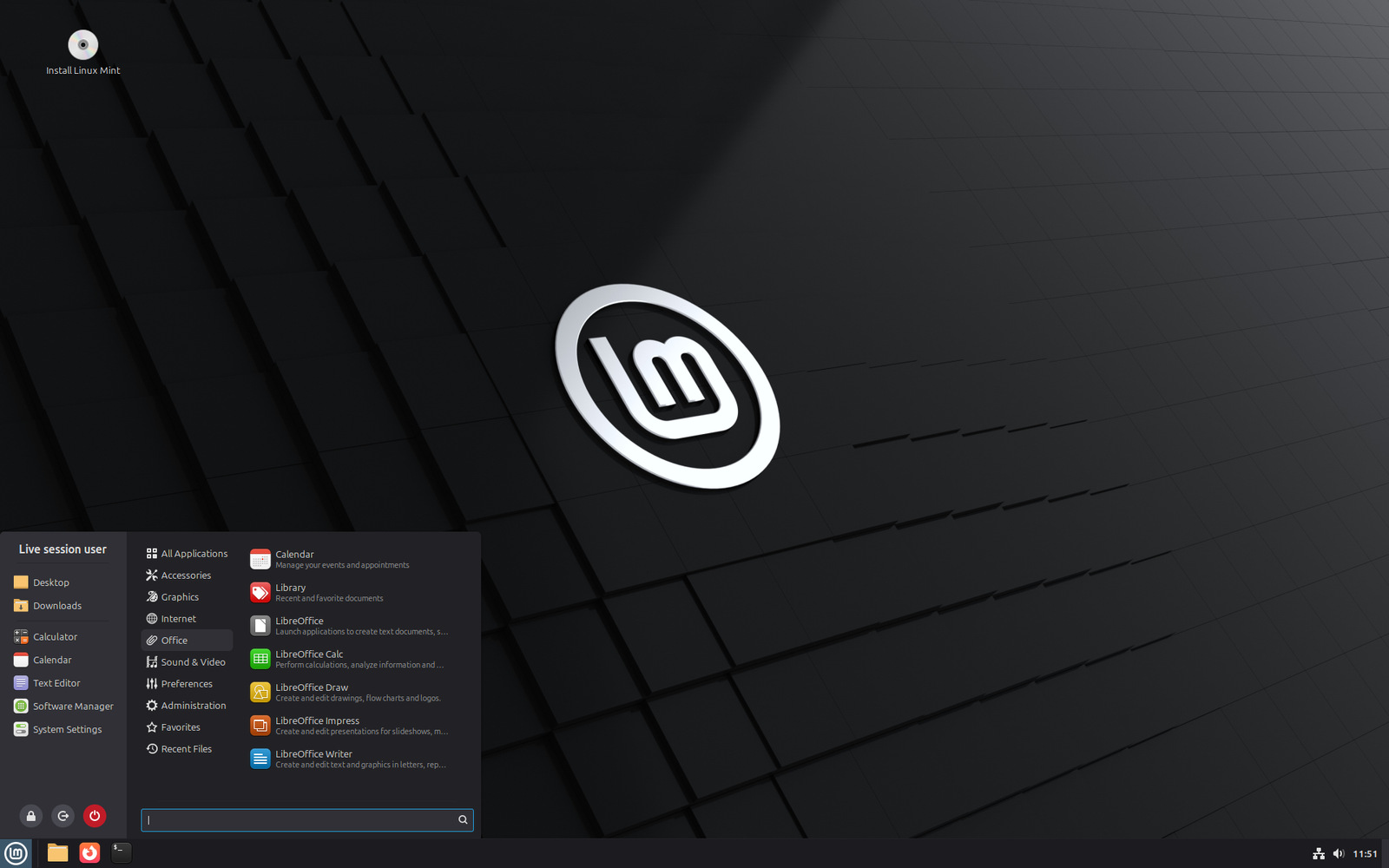
Linux Mint 27 has reached beta with a change that is easy to miss on first login. Cinnamon 6.8 now officially supports Wayland, including fractional display scaling, 3D acceleration and touch gestures. Boot the Cinnamon edition and accept its default session, though, and you still get X11. That detail, reported by GamingOnLinux, gives testers a useful point of comparison: they can try a different display system while keeping the desktop they know.
The November 27 beta announcement offers Cinnamon, MATE and Xfce editions. The Wayland news concerns Cinnamon specifically. And anyone running Mint 22.3 on a machine they depend on can sit this round out. Mint plans to support upgrades from 22.3 to the stable version of 27 and will publish the instructions after that release.
Where the difference shows up
Wayland is the protocol through which applications and the desktop compositor communicate about things like drawing windows and receiving input. That makes a laptop with a dense screen and a conventional external monitor a more revealing test case than a screenshot of the desktop. Fractional scaling lets someone choose an intermediate size for text and controls when the jump from normal to double size is too large. Mint now lists that among Cinnamon’s supported Wayland features, along with keyboard layouts and input methods. The feature guide describes what Cinnamon provides. The release notes are still worth checking for graphics-driver and hardware issues.
There is a difference you can see without reading the session name. In earlier Cinnamon versions a gesture could trigger a workspace switch after the swipe finished. In 6.8 the next workspace slides into view as the fingers move. Lift them and the action completes or cancels. Feedback arrives while there is still time to change your mind. Someone who habitually backs out of a half-finished swipe will notice more than someone who switches workspaces exclusively from the keyboard.
One lock screen, two sessions
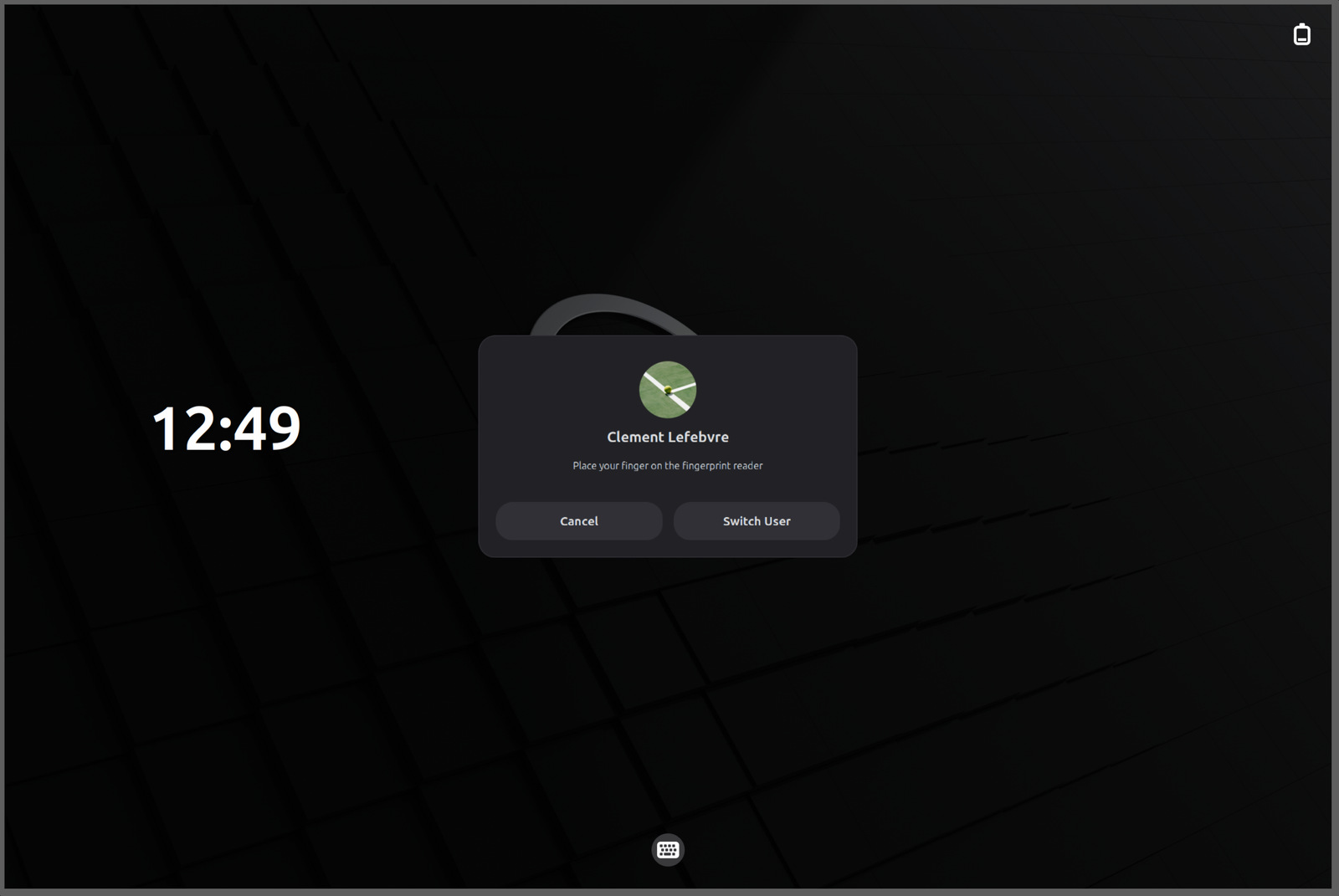
Cinnamon now draws its own lock screen. That lets it keep the desktop covered through the transition and reveal it after unlocking. The same implementation works on X11 and Wayland. If the lock prompt looks familiar when moving between sessions, that is the intended result. A screenshot of it alone tells you nothing about which session is running.
Another shared convenience is the new capture tool. On a desk with two displays, it can take just the current monitor, then crop the result before saving or copying it. That is useful when sending a bug report: the settings window on one display might be relevant while the conversation on the other is nobody else’s business.
Adrien ships with Linux 7.0 on an Ubuntu 26.04 base. A higher version number in upstream kernel coverage refers to a different release cycle. For someone deciding whether to try this beta, the better question is concrete: does their usual monitor, scale setting and input method work through a lock-and-unlock cycle? That is a result worth reporting, and Mint 22.3 users who just want a dependable workday can wait for the stable upgrade.