Why a keyboard can navigate your Xbox but can’t move you in GTA VI
In a Series X launch test, the keyboard worked right up to the game. Rockstar’s settings explain where to change the button layout and where to slow down the camera once you pick up the controller.
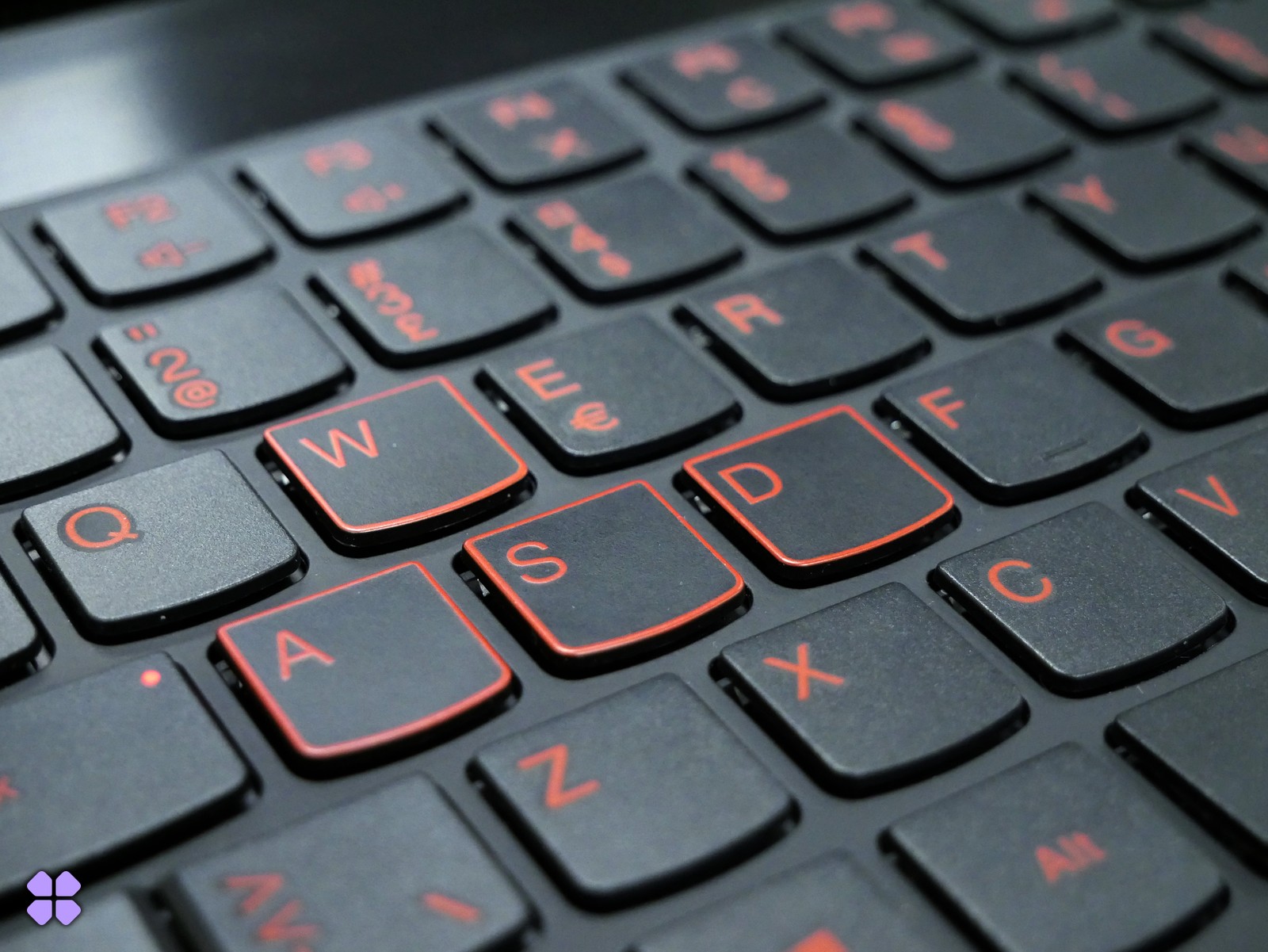
A keyboard can navigate the Xbox home screen and go quiet the moment you enter Leonida. In PC Gamer’s launch-day test, a Mountain keyboard worked on the dashboard of an Xbox Series X. Once Grand Theft Auto VI took over, neither the keyboard nor the Razer DeathAdder beside it controlled the game. If you’re setting up a Series X at a desk, keep the controller within reach.
The dashboard result is the useful part of the experiment. It gives the keyboard a second job on the same machine: a keypress moves through Microsoft's interface, so the console is receiving input. Launch a game and the meaning of that keypress becomes the developer’s decision. W only moves a character forward if the game knows to connect that key to walking. Likewise, turning a mouse across the desk does nothing for the camera unless the game reads that motion and translates it into a change in view.
Which setting is worth changing?
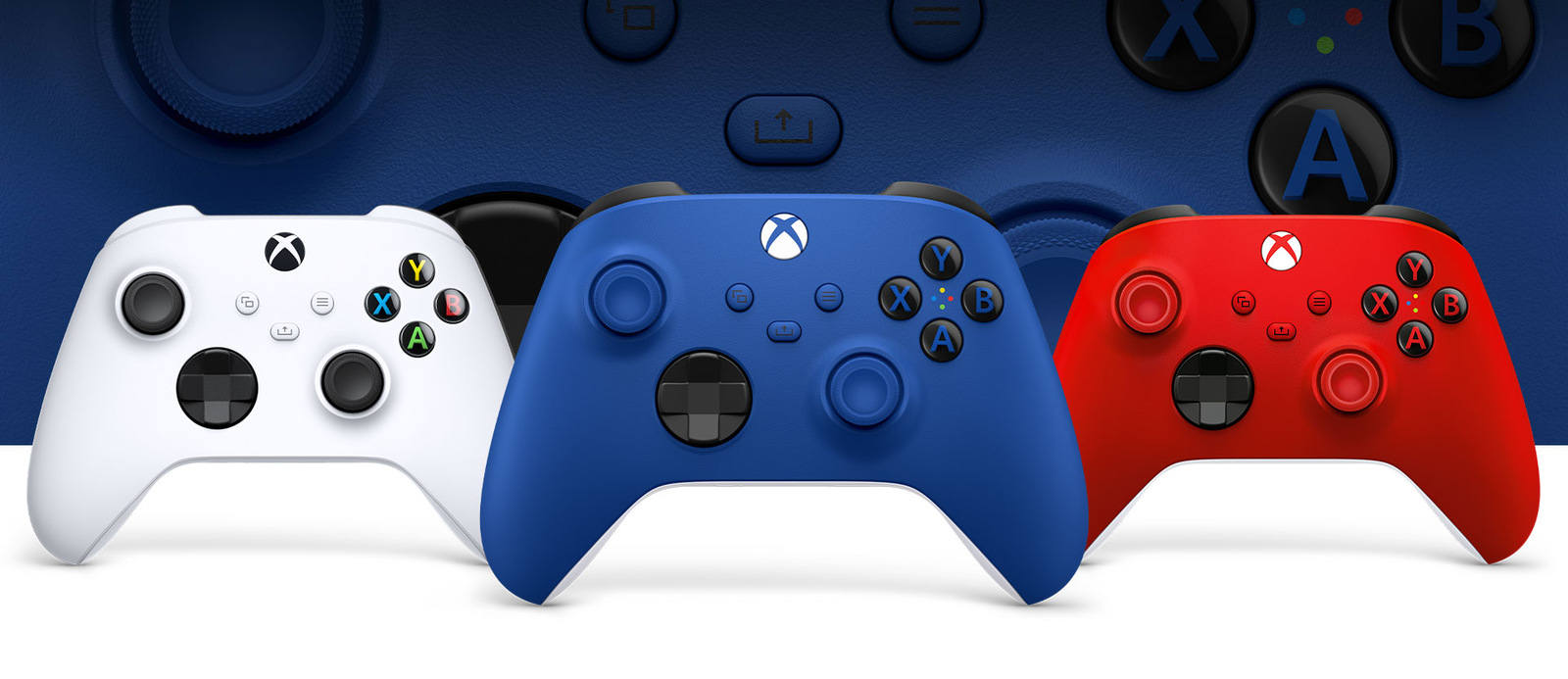
Rockstar’s guide to the GTA VI settings gives two similar-sounding menus different jobs. Under Pause → Settings → Control Scheme, the game groups controller layouts by activity. It has separate entries for travelling on foot, using land or water vehicles, flying and even cycling. That’s where to look if a button does what you expect in the car and something awkward when you step out.
Controller is where Rockstar puts look sensitivity, aim sensitivity and inversion. If a small stick movement swings your view too far, that’s the more useful starting point. Switching layouts changes which control performs an action. Lowering sensitivity changes how the view responds to the stick you already use. Neither adjustment creates movement bindings for a keyboard.
What changes when the screen is a laptop?
A desk can make the distinction harder to see. Remote Play puts a console game on a laptop screen. Your keyboard is now inches from the picture, but the console still runs the game. A change of display gives you no evidence that this version has acquired a PC control scheme. Microsoft’s GTA VI platform guide likewise distinguishes installing the game on Series X or S from streaming it. The native Series X peripheral test did not measure a cloud client.
If the keyboard stops working on the dashboard too, that’s a different fault from the one the launch test found. If it still navigates Home, plugging and unplugging the same cable is a poor use of the evening. For the player who likes a slower look speed on foot and a familiar button layout behind the wheel, the useful choices are already in the pause menu.