FFmpeg 9.1 can write APV with Vulkan. Here’s why an editor would want it
APV lets an editor jump straight to a picture, at a cost in storage. Samsung’s Galaxy S26 Ultra shows how quickly that tradeoff adds up, even at 1080p.
FFmpeg 9.1 can now use Vulkan to write Advanced Professional Video (APV), the editing format available on Samsung’s Galaxy S26 Ultra. It gives an editor a new way to export a graded shot or a set of finished effects for the next person in the production. Someone who only wants to watch the camera original has a different task altogether. The addition in FFmpeg’s November 20 release, named Gauss, is an encoder: it makes a new compressed video stream.
It is easy to miss that distinction in a list of GPU features. A decoder reads the pictures the camera recorded. A filter can change their color or size. The new `apv_vulkan` encoder takes the resulting pictures and compresses them into APV. If all you need is an exact copy of an APV recording on another drive, a file copy already does that. Running the recording through an encoder introduces a new generation without helping the transfer.
Why an editor would choose a larger file
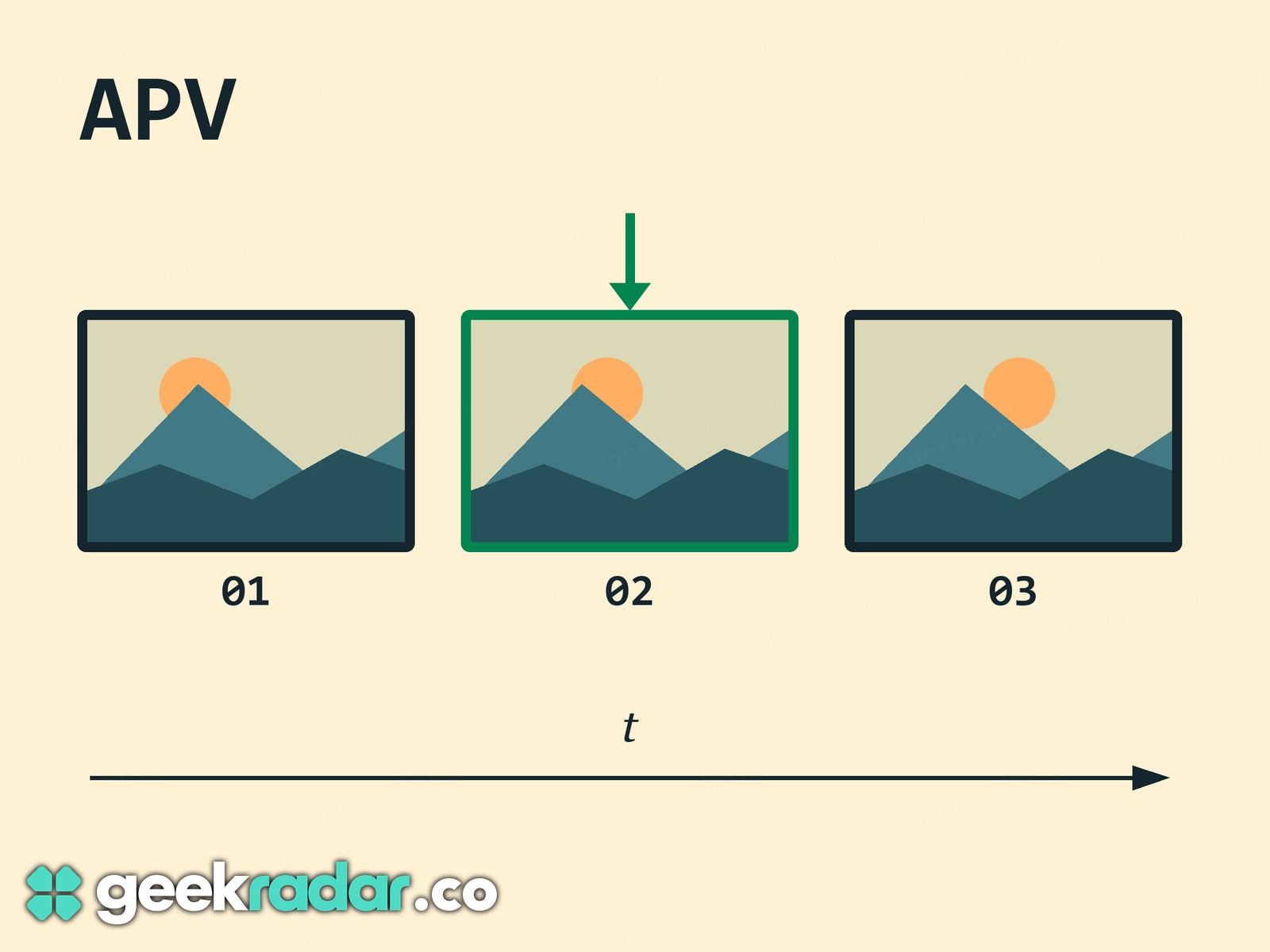
Think of the frame just before a cyclist’s wheel leaves the ground. On the editing timeline, you might move backward and forward across that instant a dozen times to place a cut. With video that uses other pictures as references, the decoder may need to reconstruct a sequence of pictures to display the one under the playhead. APV compresses each picture independently. An editor can request that frame without decoding its neighbours first. Reading the file and displaying the picture still take work, so the format alone cannot promise a stutter-free timeline.
The APV specification describes the intended quality as visually lossless. That describes how closely a decoded picture should resemble the input. It is a different test from asking whether every pixel value survived unchanged. An APV export of a color grade can make a useful handoff between editors. Making that export from a heavily compressed clip cannot restore fine detail that the camera already discarded.
Samsung’s capture guide makes the cost tangible. Ten minutes at its quoted HQ rate is roughly 15 GB before you set aside space for a second copy. For longer recordings, the phone can write directly to external storage. The same guide describes a separate option in Gallery to make an HEVC copy for someone whose device cannot play APV. That gives a camera operator a good reason to keep the editing original and the viewing copy as two files. Our Galaxy S26 Ultra camera comparison considers that choice alongside the rest of the camera system.
Check the build that will actually run the export
FFmpeg publishes source code. The program bundled with an editor, supplied by an operating system or installed separately can differ in both version and compiled features. The command-line reference gives two useful checks. Run ffmpeg -encoders to see what your copy includes, then ffmpeg -h encoder=apv_vulkan to inspect the named encoder. Finding it there confirms that the build contains it. The Vulkan device and driver still have to support the actual job.
For a production handoff, try a short section that includes a cut and a demanding shot, then open the result in the application that will receive it. That small exchange answers the question a version number cannot: can the next editor find the exact frame you meant to send?