Ubuntu on the Dell XPS 14 works down to its upside-down webcam sensor
A test of Dell’s DA14260 found working audio, haptics and video on Ubuntu’s standard kernel. An earlier Intel patch explains why the model number matters even for a video call.
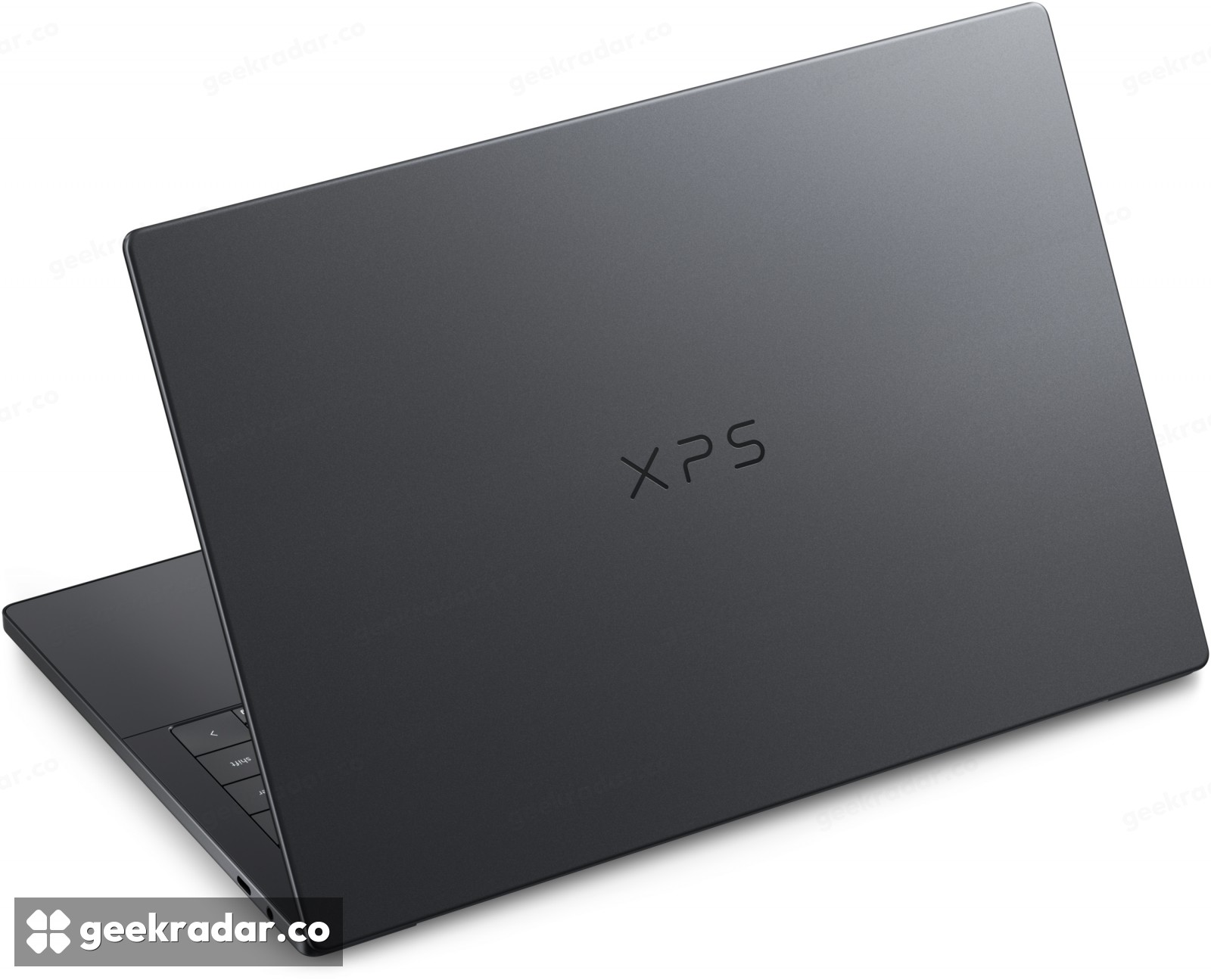
One of the more revealing results in a new Linux test of Dell’s XPS 14 is that the webcam worked. On the DA14260, the camera sensor is physically mounted upside down. Software needs to know that before it can deliver an upright picture. When Phoronix tested a Dell-supplied laptop with Ubuntu 26.04 LTS preinstalled, the camera, speakers and haptic touchpad all worked out of the box. The machine used Ubuntu’s standard Linux 7.0 kernel.
The distinction matters to anyone looking at this model for Linux. A fast processor can turn in an excellent benchmark while its owner still has to reach for an external webcam before a meeting. Here there is a firsthand account of the everyday hardware working on a named configuration, and a paper trail showing why something as ordinary as camera orientation deserves its own test.
The camera has to tell the truth about which way is up
In April, an Intel-authored change submitted to Ubuntu’s kernel team identified the Dell model by its full name, XPS 14 DA14260. It asked the camera software to report a 180-degree rotation for the specified sensor on that machine. The location of the lens in the bezel tells the person using the laptop which side is up. It tells an application nothing about which way Dell mounted the sensor behind it.
The proposed correction was deliberately narrow. Applying that rotation to every camera using the same sensor would risk turning a correctly oriented picture upside down on a different laptop. Matching the machine as well as the sensor lets the software account for this particular installation. The April submission documents the engineering issue. The November review supplies the separate observation that the camera worked on the machine Dell shipped to the reviewer.
What was actually on the desk
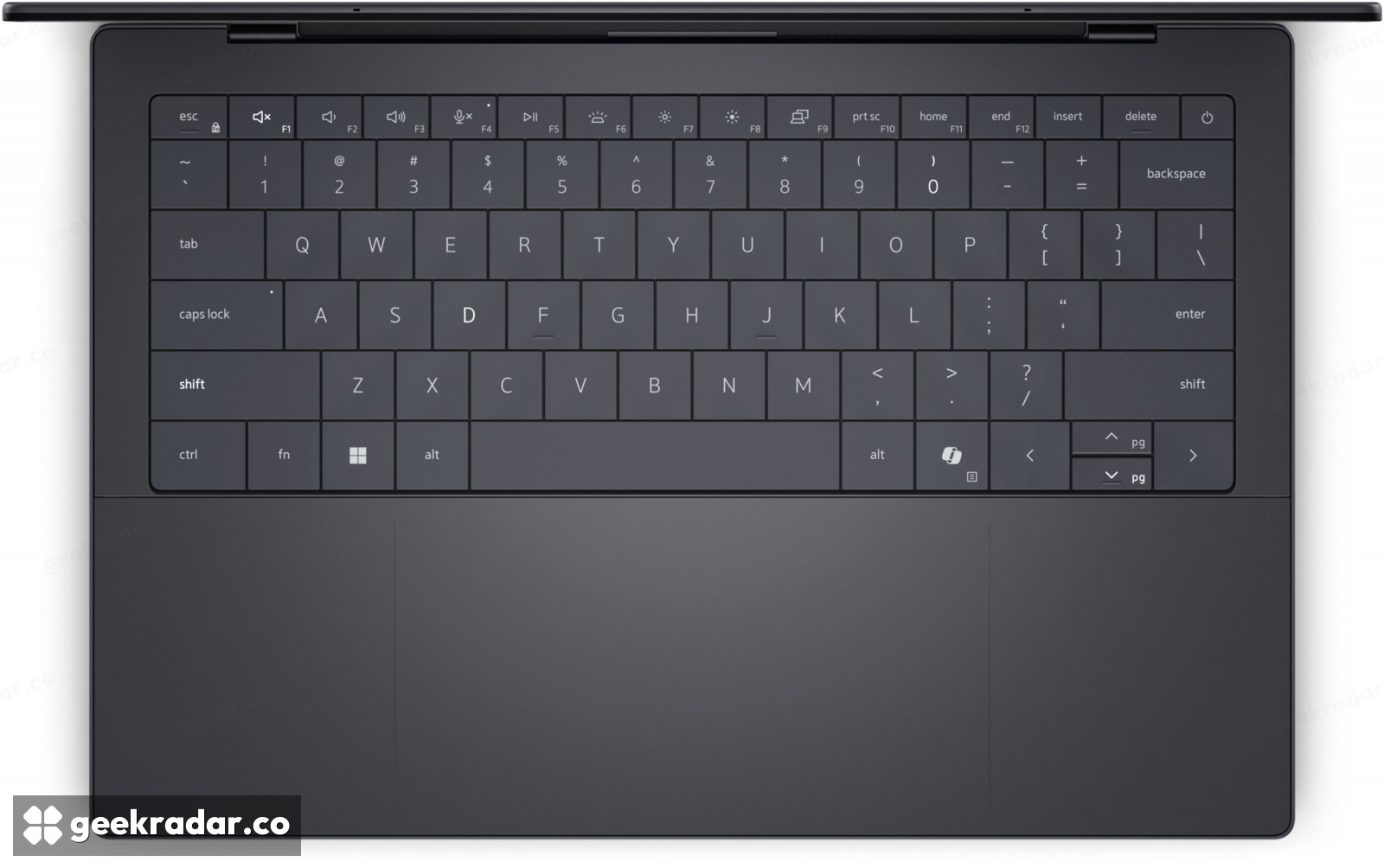
The tested XPS 14 paired Intel’s Core Ultra X7 358H and integrated Arc B390 graphics with 32 GB of memory, a 512 GB SSD and a 2880 × 1800 OLED touchscreen. Ubuntu supplied the 7.0 kernel and the Mesa 26.0 graphics stack. The reviewer did not need to install a Dell-specific kernel to get started.
That gives buyers a more useful reference than the XPS badge alone. Dell’s product page covers several configurations. The review describes a factory-preloaded system, so it cannot establish what a fresh installation will do on every display, camera or processor option sold under that name. Nor does this result require switching to Ubuntu’s shorter-lived 26.10 release.
For someone choosing a work laptop, the model number and the operating system on the order are worth keeping alongside the CPU specification. They tell you how closely the machine that will arrive resembles the one on which someone could open the lid, join a call and carry on.