Station to Station reaches PS5 and Switch 2. When is a bridge worth the money?
The railway puzzler gives console players 54 maps and a finite track budget. On Switch 2, building a map of your own also calls for a place to set down a Joy-Con.
A bridge in Station to Station can carry exactly the cargo you need and still be a bad investment. Galaxy Grove’s railway puzzler arrived on PlayStation 5 and Nintendo Switch 2 on November 26, three years after its PC debut. Both console editions have 54 handcrafted levels spread across seven regions. On Switch 2, you can lay track with a Joy-Con 2 resting on its side. How you play matters most when you leave the campaign to design a railway of your own.
What a bridge costs
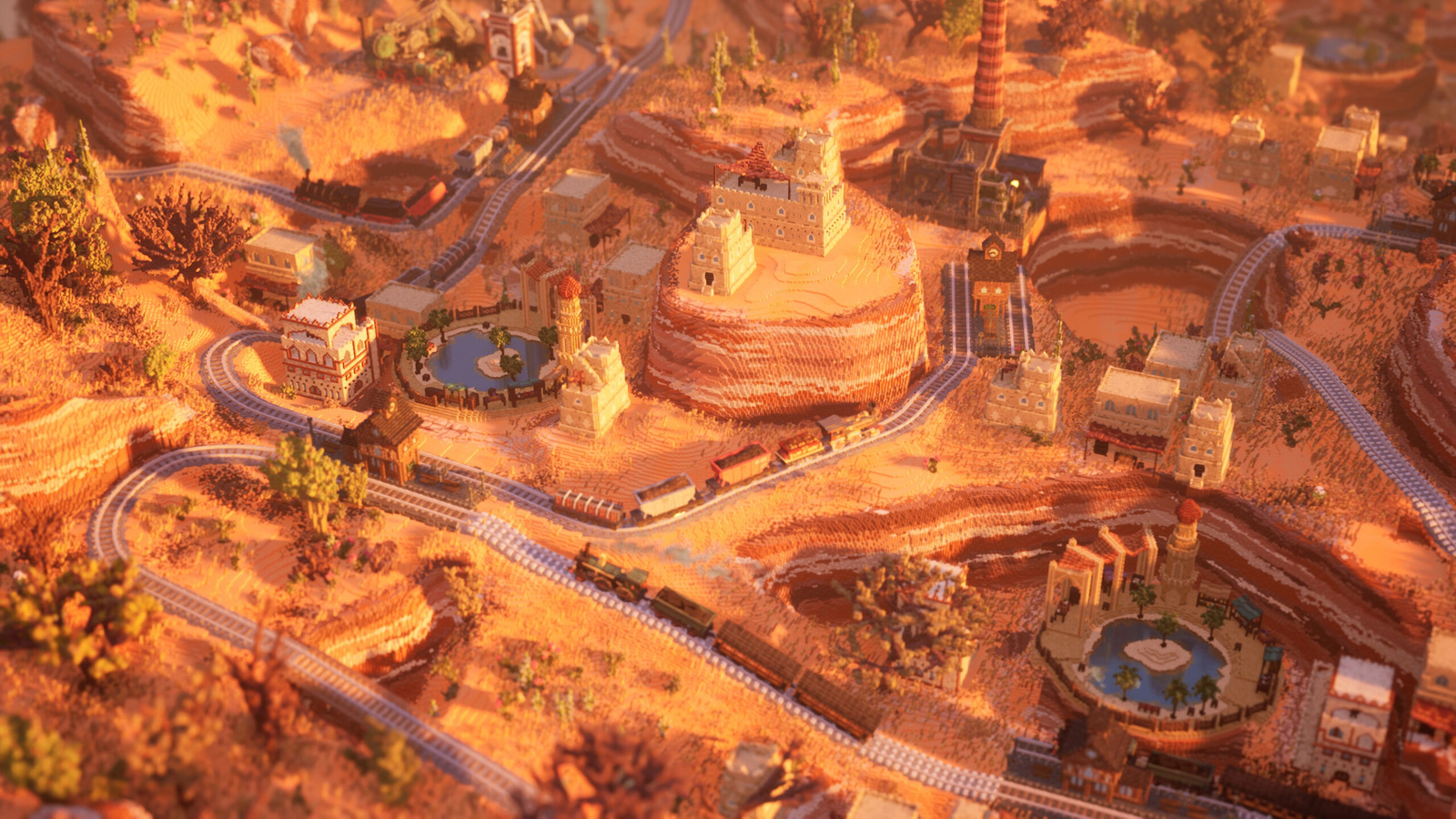
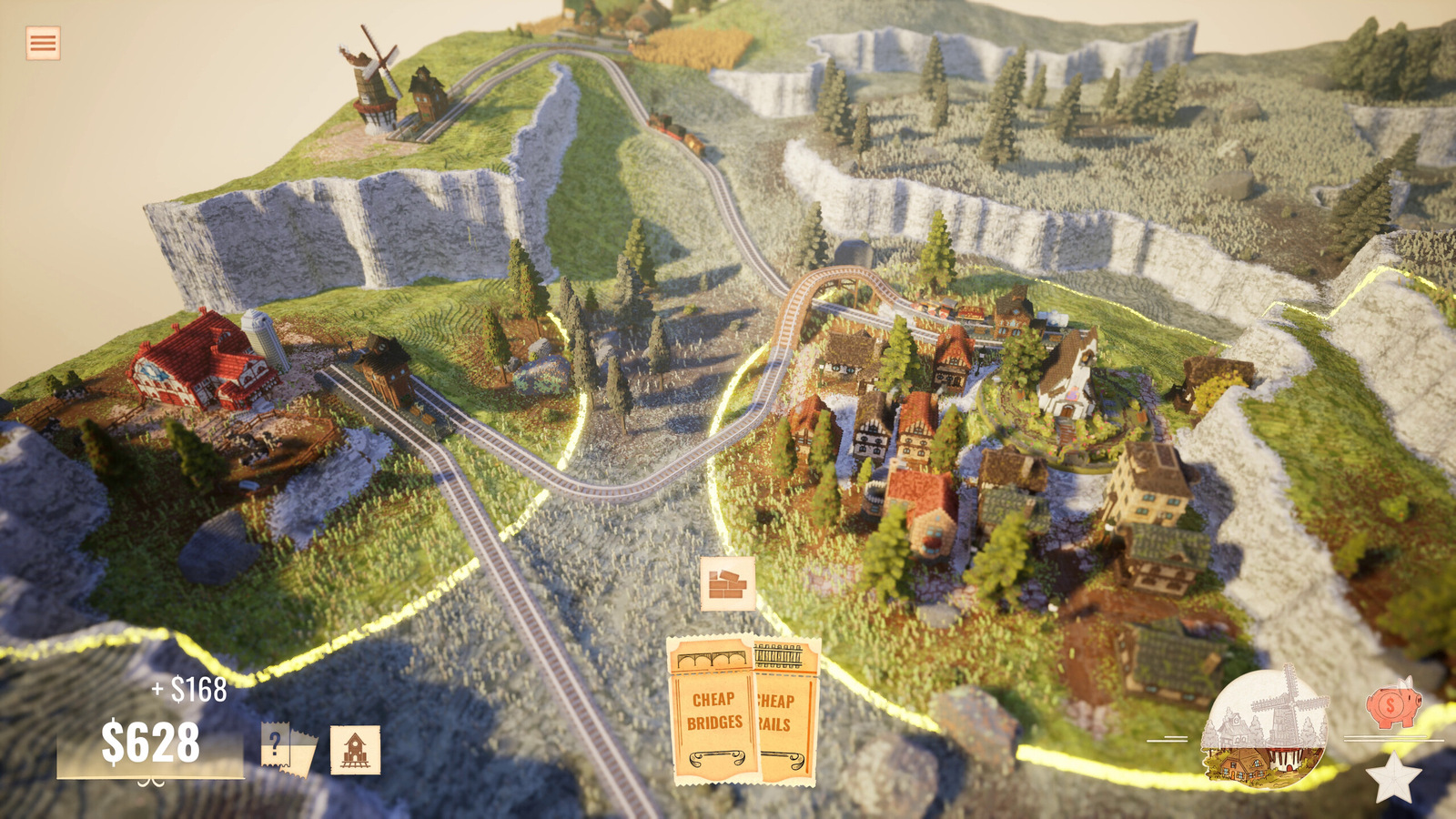
Start with the buildings. One has something another needs, and your job is to put stations and rails between them. When the connection works, colour spreads through the surrounding landscape. The little train passing through that newly green patch is a particularly legible piece of feedback. You can see where your network has made a difference even after you zoom out far enough to lose sight of the engine.
The difficult decision comes one step earlier. Track costs money, distance adds to the bill, and crossing a gap on a bridge costs extra. Imagine two possible lines between the same stations. The straight one crosses a ravine. The other takes a longer route over solid ground. Counting squares alone won’t tell you which to build. A card that discounts a bridge can tip the calculation back toward the straight line. A card that pays more for a delivery changes how much cash you’ll have left for the next connection. Nintendo World Report’s Switch 2 review describes both kinds of bonus and the spending targets that give them a purpose.
There’s a catch to the relaxed pace. You can finish an individual map without clearing all its extra objectives, but opening later areas takes a certain number of completed objectives, according to the review. That gives a second run a good question to answer. Can you serve the same buildings and still have money in hand when the last train sets out?
When the Joy-Con becomes a mouse
Galaxy Grove and Engine Software’s launch announcement confirms mouse support on Switch 2. There’s a practical distinction between playing the campaign on the sofa and opening Creative mode to make a diorama. Nintendo lists handheld, tabletop and TV play for the game. Nintendo World Report found that entering and using Creative mode specifically required the mouse controls. If designing maps is what draws you to this version, allow for a surface beside the screen.
The reviewer also found that the pointer could be hard to pick out against some terrain. It’s a small detail with an outsized effect in a game that invites you to stop, study the landscape, then place a precise length of track. As with Darkest Dungeon II’s Switch 2 controls, the worthwhile question about the port is what happens under your hand. Here, one mode lets you solve the developer’s railway problems on the move. Designing the hillside that poses the problem in the first place is a better fit for a table.